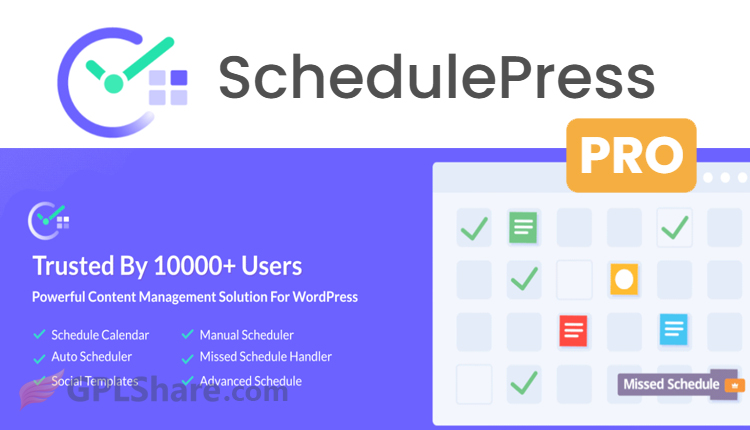

SchedulePress Pro is the best plugin for scheduling any type of post on WordPress, if you have been looking for it, you have come to the right place. Did you know that this plugin was once called WP Scheduled Posts Pro? It is a content management plugin and also a calendar and workflow optimization plugin, for WordPress. It was created by WPDeveloper.
This plugin was made especially to fix the scheduling problems that come with WordPress and to work as a tool, for automating content marketing. Here I will quickly tell you about the features of SchedulePress Pro.
Advanced Content Scheduling Architecture
Unlike the WordPress system, which only lets you enter a date for posts. SchedulePress Pro has layers of automation and scheduling logic:
Auto Scheduler
People can create time slot blueprints for the week. The plugins algorithm automatically puts content or selected drafts, into the available slot so you don’t have to set a date every time you write.
Manual Scheduler
Gives control to plan when posts should go live helping with marketing plans.
Advanced Schedule for Published Content
A tool that lets you schedule changes for articles that’re already online. You can change content, tags, featured images or categories in the background and set when these changes should replace the version, without changing the post status to “draft“.
Instant Publish with Future Dates
Lets articles go live away while setting the post date metadata to a time (helpful, for backdating or forward-dating documents or specific archive setups).
SchedulePress Integration with Other WordPress Plugins
SchedulePress Pro is built with a high level of compatibility with modern WordPress architecture:
- Page Builder & Block Integration – Fully functional within the Gutenberg Block Editor, Classic Editor, and Elementor. With Elementor, you can even schedule the visibility of specific Sections or Containers to appear or disappear at desired times.
- Custom Post Types (CPT) – Not limited to default “Posts” or “Pages.” The plugin can detect WooCommerce products, portfolio items, documentation (such as the dedicated integration with BetterDocs), or other CPTs created by developers.
- Query Optimization – The plugin’s underlying code is optimized to ensure that large numbers of drafts and scheduled items do not strain server resources (RAM/CPU) when loading the WordPress dashboard.
Visual Editorial Calendar and Multi-Author Management
Interactive Drag-and-Drop Calendar
The main dashboard has a calendar view where admins can see drafts, scheduled posts and published posts. Changing a posts schedule is as simple, as dragging the post box from one date to another which automatically updates the post_date, in the database. You can also create drafts directly from the calendars date cells.
Multi-Author and Access Rights Management
Includes role-based permissions. Admins can set up which authors are allowed to schedule posts on their own and which ones need approval.
Email Status Notifications
Automates notifications. Authors get automated emails when their articles are approved, scheduled, published or even moved to the trash.
How to Download
- Log in to your GPLShare account
- Go to your download history
- Download SchedulePress Pro v5.3.3 from the list provided
- Or download directly from this page if you have a premium membership
- That’s it! Enjoy the full version of SchedulePress Pro.
How to Install Plugin
- Please ensure that you download the
.zipfile from GPLShare - Before installing, you must first unzip the
wp-scheduled-posts-pro-5.3.3-pack.zipfile - Go to WordPress Admin → Plugins → Add New → Upload Plugin
- Choose the
.zipinstaller file and click Install Now - After installation, click Activate Plugin
- Done! SchedulePress Pro is now active on your site
How to Activate License
Basically, the license credentials are not required, as they are only needed to receive updates. However, if you wish to activate the license, here are the instructions
- Once installed, navigate to the License section.
- Enter the required license credentials. (The license credentials can be found inside the package file you downloaded.)
- Done.
This product is licensed under the GPL
The GNU General Public License (GPL) is a copyleft license that guarantees you the freedom to run, study, share, and modify the software. If you distribute the software, whether modified or not, you must also pass on these same freedoms. Source: Official License Text (GPLv3) https://www.gnu.org/licenses/gpl-3.0.en.html
Conclusion & Plugin Download
GPLShare is the ultimate solution for anyone looking for a safe and trusted way to download SchedulePress Pro v5.3.3. Every product available on our platform is a 100% secure GPL License WordPress Plugin, allowing you to use it on SchedulePress Pro unlimited sites without any domain restrictions.
While we offer exclusive free download access for our premium members, we strongly advise against risking your website security by using an unsafe SchedulePress Pro nulled version from GPL markets that provide it completely free.