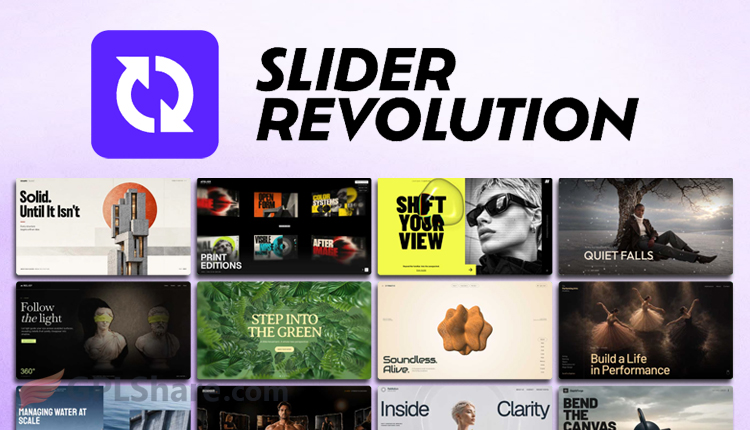

Slider Revolution is the world’s best WordPress plugin for creating interactive layer-based elements, if you want to create a slider this plugin is the most recommended.
Actually, this plugin isn’t just a sliding banner maker, it’s a very good Visual Content Builder and Animation Engine. I’ll explain the details so you understand how this plugin works before you spend your money to buy it.
Some of Revslider Main Features
Slider Revolution, also known as Revslider, adopts the working system of video editing software. Behind its attractive visual appearance lies a very complete technical architecture.
Timeline Engine
Every element within a slide text, images, buttons, and even video is treated as a separate layer. So you can set the entrance Keyframe, hold duration (looping), and exit Keyframe with millisecond precision.
Mathematical Easing Functions
Transitions between movements are not stiff because this plugin supports advanced easing formulas such as Cubic-Bezier, Bounce, and Elastic to produce smooth object movements.
Responsive System (4 Breakpoints)
Content layout automatically adapts to four types of screens: Desktop, Laptop, Tablet, and Smartphone. Changes in position or size on mobile screens will not disrupt the visual arrangement on desktop screens.
Dynamic Content Integration
The content displayed doesn’t have to be typed manually because Slider Revolution can pull data in real-time from WordPress articles, WooCommerce products, and social media feeds such as Instagram and YouTube.
Add-Ons Premium Slider Revolution
Slider Revolution deliberately makes add-ons separate so as not to burden the plugin, so you only use premium features as needed.
Here are some of the most commonly used add-ons:
- ScrollVideo (Video Paint) is useful for controlling the video playback rate based on the user’s cursor scroll speed.
- Particle Effects works to generate interactive particle effects such as cosmic dust or computer networks that move following the mouse direction.
- Lottie Animations for Lottie JSON files, enabling vector animations that are very lightweight yet sharp at all screen resolutions.
Optimization Challenges
Since Slider Revolution is a comprehensive plugin, page load speed is bound to be a major challenge. The DOM size can balloon, and loading large JavaScript files like rbtools.min.js can be the cause of a declining Largest Contentful Paint score.
Can it be overcome? Of course it can… by enabling the following built-in optimization features:
- With the Smart Lazy Loading feature, you can ensure that images on the second slide and beyond are only loaded when those slides are about to appear.
- WebP Automation is useful for converting all image assets to WebP format to reduce file sizes.
- You can use Defer JavaScript to set Slider Revolution scripts to load after the main page elements have finished loading.