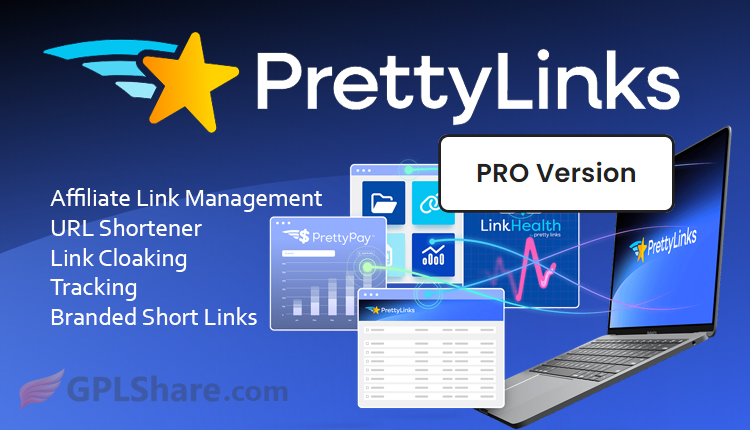

Pretty Links Pro is the right choice for you who want to manage links, create URL shorteners, affiliate links in one WordPress dashboard. You don’t need to use third-party services like Bitly, this plugin already manages everything you need and uses your own domain or branded links.
Pretty Links has several types, namely the free version available in the wordpress.org repository which can be downloaded for free, the pro version which is a paid version that provides complete features.
Automation Features
- Auto-Link Keywords. With this feature you can determine certain words or phrases to automatically be converted into affiliate links in articles, pages, and also widgets. Limit the maximum number of links per page, this is done so that it is not considered spam by search engines.
- URL Replacement. If you previously pasted raw links, Pretty Links Pro can work automatically to replace them with neat and also tracked links.
- Automatic Link Creation. You can set it to automatically create short URLs every time you publish a new article. Likewise for pages.
- Automatic Disclaimers. This will automatically add a notice or affiliate disclosure at the top or bottom of the article, containing affiliate links to meet legal compliance standards such as FTC.
Smart Redirects features of Pretty Links Pro
The free version only supports 301, 302, and 307 redirects, while the pro version unlocks highly precise traffic routing, here are the details:
- Additional Redirect Methods to hide the original destination URL using iframe, JavaScript Redirect, Meta-Refresh, up to Tracking Pixel.
- Dynamic Redirection, this will direct visitors to different destination URLs based on Geographic Location, Device, and Time.
- A/B Split Testing can split click traffic to multiple different pages, for example 50% to the red shirt Landing Page, 50% to the blue shirt Landing Page. This is useful for finding out which one produces the highest conversions.
Health & Link Safety
If you have many links or maybe up to thousands, they’re definitely prone to broken links, which causes lost commissions. Some of these features help you overcome that problem:
- LinkHealth Monitoring works by scanning your links, detecting if any links are not found 404 or deleted. If a broken link is found, the system will notify you on your dashboard or send you an email.
- Bot Filtering & IP Exclusion can detect bot crawlers so click statistics stay accurate. You can exclude certain IPs including your own team’s IPs.
- Turbo Mode to optimize the redirect script, the redirect process becomes faster so it makes website performance better.
Technical Considerations Before Using Pretty Links Pro
Because all links are recorded and stored in your WordPress database, you need to enable the automatic log cleaning feature so the database size does not bloat.
Although the Link Cloaking feature is very useful, some affiliate networks such as Amazon Associates actually prohibit the use of cloaking using iframes. So, for networks like this you must still use standard 301 or 302 redirects.